


Get up to €5,000 + 400 Free Spins
Join Rockstar Casino today and claim our massive 4-stage welcome package across your first four deposits.
Install app & Get BonusRockstar Casino App - Install Guide
The Rockstar Casino application is the easy way to get into your favourite games without making the whole process feel like homework. You can install it on a desktop or a mobile, and once it’s on your device, you’re only a tap or click away from the lobby.
Let’s dig into what it actually does, how to install it, and why the application can be a nicer move than staying in the browser all the time. We’ll also cover the Rockstar Casino iOS setup, the Rockstar Casino Android app flow, and what to know about the APK question.
What Is the Rockstar Casino App
The Rockstar Casino application is our installable web app, which means you don’t need a separate app-store version to start playing. You can add it straight from your browser and use it almost like a regular app on your phone, tablet, or computer.
The application is built for quick access. You open it, log in, and move straight into games like slots, live casino, table games, crash games, and Plinko without wasting time on extra steps.
A big plus is that the application keeps the experience clean and simple. Instead of bookmarking the site and digging through menus every time, you get a shortcut that behaves like a proper home-screen or desktop icon.
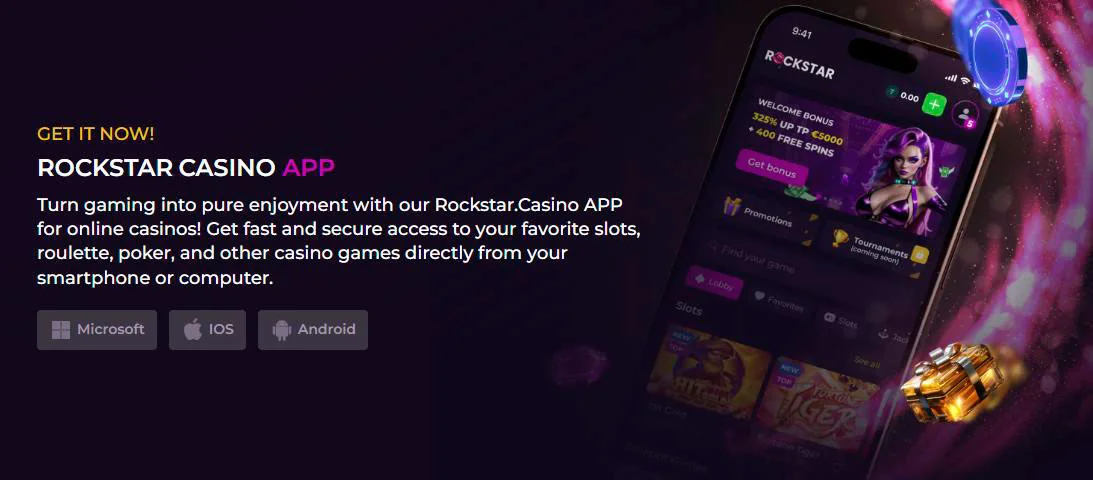
Another nice part is that the application works across devices. Whether you’re on Windows, Mac, iPhone, iPad, or Android, the setup is built around your browser, so you can enjoy the same Rockstar Casino app download flow on different platforms.
How to Install Rockstar Casino App
Installing the Rockstar Casino application is pretty straightforward, and that’s exactly how we like it. You don’t need any technical setup, and you don’t have to wait for a giant file to download before you can play.
The process depends on the browser and device you’re using, but the general idea stays the same. You open Rockstar.casino, choose the browser’s install or add-to-home-screen option, and confirm the prompt.
Chrome for Windows & Mac
If you’re on Windows or Mac, Chrome gives you the cleanest desktop install flow. Open Rockstar.casino in Chrome, look for the install icon on the right side of the address bar, and click Install.
Once that’s done, the Rockstar Casino application will sit on your desktop or start menu like a normal shortcut. That makes it easy for you to come back later without typing the website address again.
This option works well if you play often from a laptop or desktop. It gives you the speed of an application with the flexibility of a browser-based setup, which is honestly a pretty handy combo.
Safari for iOS (iPhone & iPad)
If you’re using an iPhone or iPad, the Rockstar Casino iOS installation goes through Safari. Open the homepage, tap the browser menu in the middle part of the screen, then choose Add to Home Screen and confirm with Add.
That’s the whole trick, really. After you do it, the application appears on your home screen like a normal icon, so you can launch it in one tap whenever you’re ready to play.
This setup is especially useful if you move between browsing and gaming during the day. You don’t need to keep reopening Safari and hunting for the site, because the Rockstar Casino app is already sitting there on your phone.
Chrome for Android
On Android, the Rockstar Casino app install flow also uses the browser, usually Chrome. Open the homepage, tap the menu on the right side, and select Install App or Add to Home screen, then confirm with Install.
After that, you’ll have a shortcut that feels like a native app on your device. It’s quick, neat, and practical, which is exactly what you want when you’re not in the mood for extra taps.
People often ask about the Rockstar Casino APK here, and the short answer is that you don’t need one for this setup. We currently use the browser install route instead of a separate APK file, so the process stays simple and safe.
Logging In Through the App
Once the Rockstar Casino app is installed, logging in is easy. You open the app, enter your account details, and jump into the lobby just like you would on the website, only faster because the shortcut is already on your device.
If you already have an account, this is where the app starts saving you time. You don’t need to search for the homepage or remember a long address, and that small convenience adds up fast when you play regularly.
If you’re a returning player, the experience feels familiar from the first tap. You’ll see the same main navigation, the same account access, and the same route into games, bonuses, and support options.
It’s also easier to switch between different parts of the casino. You can open the app, check your balance, browse the lobby, and head into a game without the browser clutter that can get in the way on mobile.
Games Available in the Rockstar Casino App
The Rockstar Casino app isn’t a trimmed-down version of the site. You still get access to a wide mix of games, including slots, live casino titles, table games, crash games, and Plinko, so you’re not missing out just because you installed the app.
We keep the lineup broad because different players want different things. Some of you want classic reel action, some of you want a live dealer vibe, and some of you just want fast rounds with a bit of chaos, and that’s where the app really shines.
Slots, Live Casino & Table Games
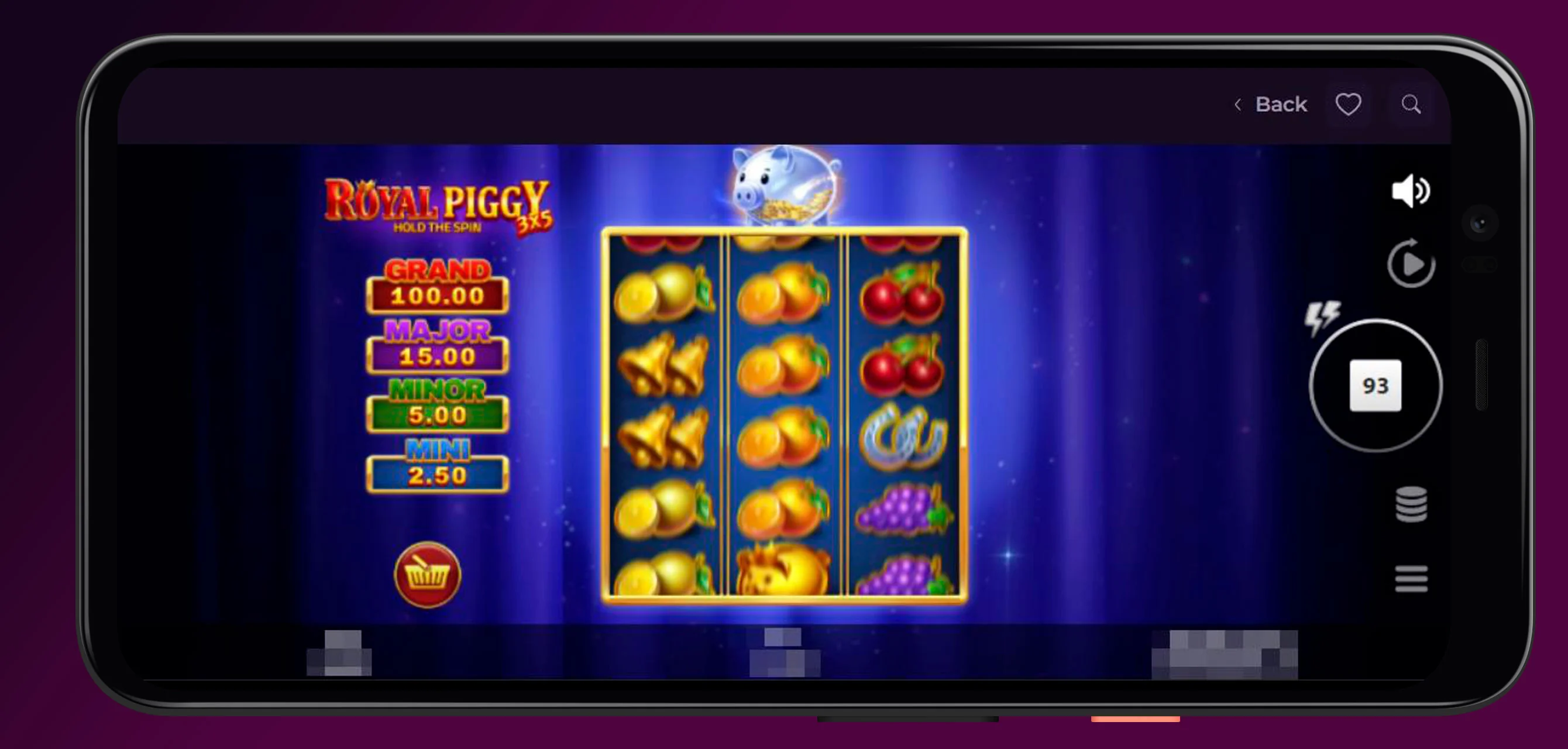
Slots are a major part of the app, and there’s plenty to browse if you like themed reels, bonus features, and high-volatility play. The library includes a mix of classic and modern titles, so you can jump between easygoing games and bigger-feature releases depending on your mood.
Live casino is another strong part of the lineup. You can play live dealer titles like Crazy Time, VIP Roulette, and other studio-based games that bring a more social feel to the screen.
If table games are more your thing, the app also gives you access to blackjack, roulette, poker, and related casino classics. That means you can move from quick slot sessions to more strategic play without leaving the same app.
Here’s a quick look at the main game types you can expect:
| Game type | What you get | Best for |
| Slots | Classic and feature-rich reels | Fast, casual play |
| Live casino | Real dealers and studio tables | A more social feel |
| Table games | Blackjack, roulette, poker | Players who like strategy |
| Crash games | Quick rounds with rising multipliers | Speed-focused play |
| Plinko | Simple drop-and-win action | Easy, light-hearted fun |
Crash Games & Plinko
If you like games that move fast, Crash games are a solid reason to open the Rockstar Casino app. They give you short, high-energy rounds where timing matters, and that keeps the pace lively without dragging things out.
Plinko is a nice change of pace, too. It’s listed as part of our game collection, and it fits players who enjoy simple mechanics with a bit of suspense as the ball drops and lands.
What makes these games work well in the app is how quickly you can get to them. You don’t have to spend much time navigating, so if you want a few rounds during a break, the app gets you there fast.
Another advantage is that mobile screens are perfect for this style of play. The interface feels natural on a smaller display, so you can focus on the action instead of fighting the layout.
Why Use the App Instead of the Browser
Honestly, the biggest reason is convenience. The Rockstar Casino APK gives you a shortcut that opens faster than going through your browser every time, and that’s exactly the kind of small win people notice after a few sessions.
It also feels more organized on mobile. You’re not juggling tabs, you’re not typing the site name over and over, and you’re not losing your place because the browser decided to refresh at the worst possible moment.
Another standout is the app-like feel without extra hassle. Since the Rockstar Casino app download happens through the browser, you get the speed of an installable shortcut without needing a separate app-store listing or a standalone APK file.
For regular players, that’s a nice middle ground. You get the comfort of an app, the flexibility of web access, and the same casino content in a format that’s easy to use on any device.
FAQ
You Might Also Like

Rockstar Casino Bonuses - All Promotions
If you love squeezing extra value out of every spin, Rockstar Casino is pretty much your playground. With welcome deals, cashback, reloads,...
Rockstar Casino Sign In Guide
If you are ready to jump on stage with us, Rockstar Casino login is your shortcut back to your games, bonuses, and withdrawals in a couple of clicks....